The next task, at hand.
See shift details, assigned tasks and help requests in the KEWW watch workflow.
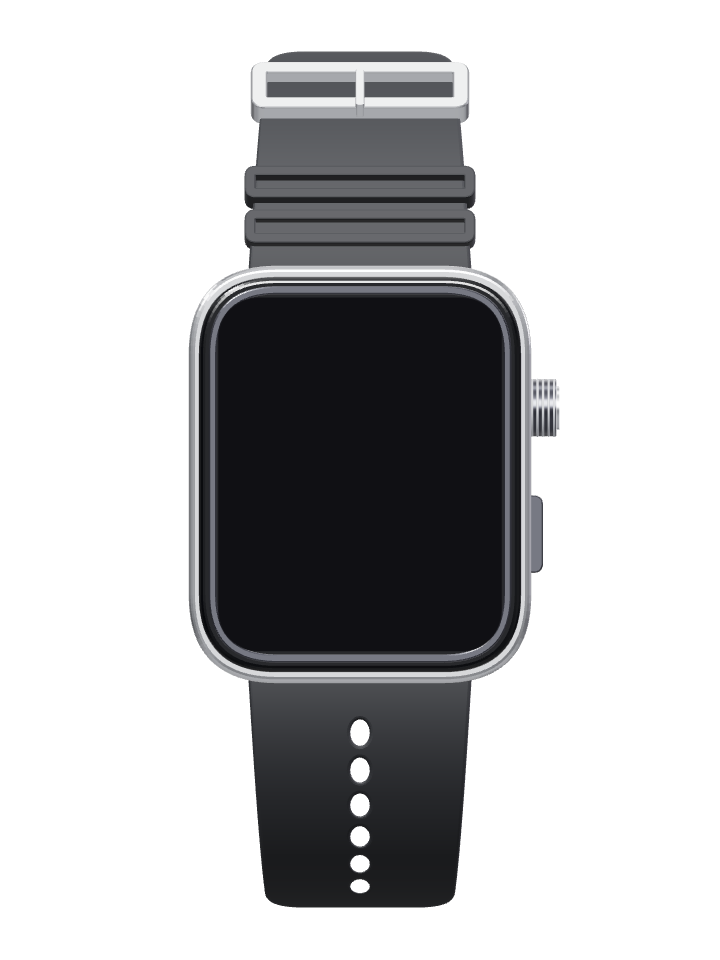
5:46
Next taskSet up the cocktail areaEvening reception
Set up the cocktail areaBefore guests arrive
Task completeManager updated
Tap the watch to try the task.
Evening receptionDemo data
Set up the cocktail area
AssignedFrom the plan to the floor.
Connect the event plan with the next task on the floor.
- Start the shift
- Review shift details and clock in.
- Receive the task
- See the assigned task and the details needed to carry it out.
- Update the team
- Acknowledge or complete the task, with reminders and a route to request help.
- Finish the shift
- Clock out and make the shift record available for review.
Find the right setup.
Request a demo to review the task workflow, device compatibility and rollout for your team.
Workforce software for your own team and contingent staffing are separate ways to use KEWW.
Watch questions.
How do we get started?
Use Request a demo to discuss your requirements, hardware and access.
What does the task example show?
The screens use demo data to show how a task moves from assignment to completion.
Can we use KEWW without watches?
Yes. Discuss software for your own team or request contingent staff without adding watches.
Discuss your service workflow.
Tell us where your team needs clearer tasks, shift information or help requests.