
Every event. Every team. Everything connected.

Events, shifts and tasks in one workspace. Coordinate your own team and bring in extra staff when you need them.

KEWW / Event workspace
AM
WORKSPACE
Events
Team
Tasks
Hours
UPCOMING EVENT
Evening reception
Sat, Dec 12  ·  5:00 PM – 11:00 PM  ·  Main ballroom
●  Created
Overview Staffing Tasks Hours

Staffing coverage

4 / 6
4 of 6 filled Scheduled team members

2 open roles

♙
Server 5 PM – 11 PM
♙
Bartender 5 PM – 11 PM
Scheduled team 4 members  ↗
TEAM MEMBER ROLE SHIFT STATUS
Alex Morgan Captain 5–11 PM Confirmed
Jordan Lee Server 5–11 PM Confirmed
Jamie Chen Server 5–11 PM Pending
Taylor Reed Bartender 5–11 PM Confirmed
Event tasks 3 tasks · 1 assigned
✓
Confirm event details Alex Morgan · Event setup
Done
Set all tables with plateware. Unassigned · Due 6:00 PM
To assign
Check table settings Assigned to Jordan Lee
Scheduled
9:41
KEWW JC

Hi, Jamie.

Your next shift

December 2026
MON TUE WED THU FRI SAT SUN 7 8 9 10 11 12 13

Upcoming shifts

DEC 12 · CONFIRMED Evening reception

Server · Main ballroom

5:00 PM – 11:00 PM
⌂ ▦ ☷ ♙
New scheduled shift Evening reception Dec 12 · 5:00–11:00 PM · Confirmed
KEWW · Assigned task Set all tables with plateware. Evening reception · Due 6:00 PM
5:46 ▰
YOUR NEXT TASK Set all tables
with plateware.

Evening reception
Due at 6:00 PM

View task
Welcome to KEWW Sign in to sync your team and tasks
Log in
Event created Evening reception
→ → →

From the first plan
to the final task.

See where you need people

Check coverage by role, then request extra staff for the gaps.

Let staff choose their shifts

Give staff the role, venue and hours before they accept.

Plan around availability

Use available days and times to build the event team.

Build the event itinerary

Group arrival, setup and service into timed steps.

Put a name to the work

Give each task an owner, a due time and clear instructions.

Help staff arrive prepared

Keep the venue, arrival time and uniform details with the shift.

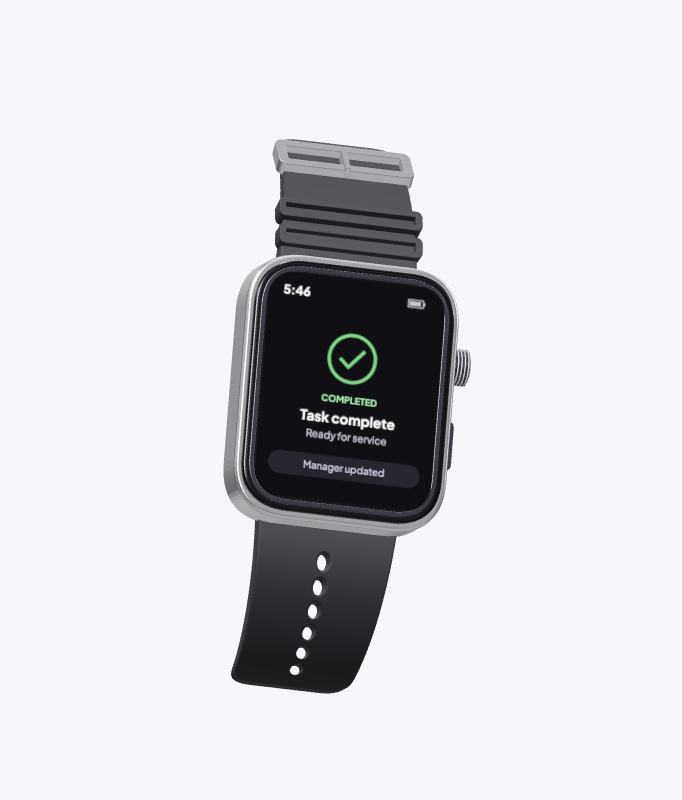
Bring the next task to the wrist

Show the task, due time and instructions on one watch screen.

Close the loop from the floor

Record completion against the task so the manager can see what is finished.

Know where the event stands

Review completed tasks alongside work still in progress.

Support the right person

Match an unfinished task to its owner before sending help.
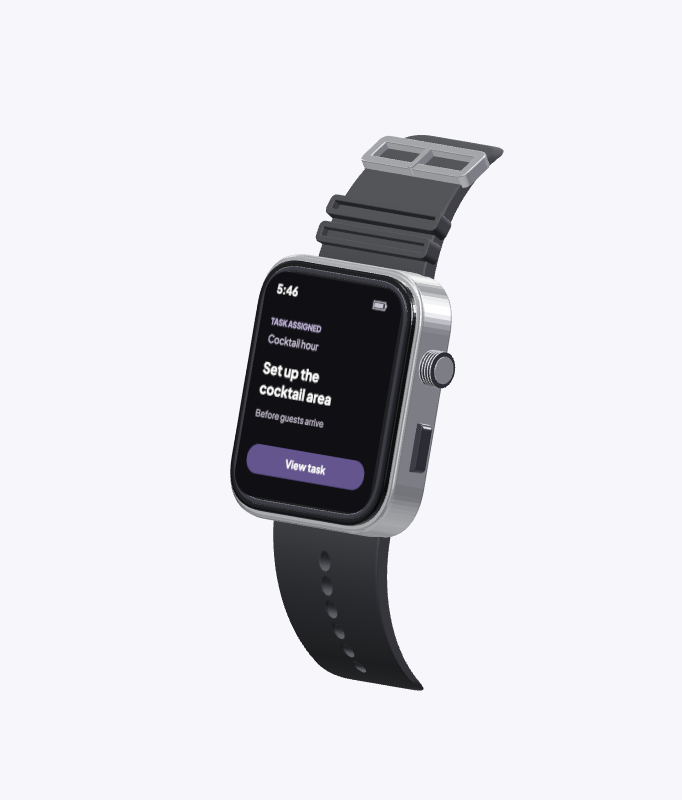
Illustrative watch showing the cocktail-area setup task Task complete
Evening receptionDemo data

Set up the cocktail area

Assigned

KEWW Events & staffing
EVENTS & STAFFING

December 2026

+ New event
‹ Today › Week Month
FRI 11
Evening reception 5–11 pm 4 of 6 filled
Private dinner 6–10 pm 6 of 6 filled
SAT 12
Venue opening 4–10 pm 8 of 10 filled
Cocktail reception 5–9 pm 5 of 6 filled
SUN 13
Wedding reception 4 pm–12 am 18 of 18 filled
89 %
Staffing coverage 41 of 46 shifts filled
5 roles to fill →
KEWW Task assignment
EVENING RECEPTION / ITINERARY

Give every task an owner.

Publish
TEAM 4 PM 5 PM 6 PM
JC Jamie Chen Server
Table setup
TR Taylor Reed Bartender
Cocktail station
AM Alex Morgan Event manager
Team briefing
↳ Set all tables with plateware.
Assigned to Jamie Chen Due 6:00 pm
KEWW Event management
LIVE EVENT

Evening reception

Setup & arrival · 4:00–5:00 pm

+ Send help
10 / 15 tasks complete 67%
4 in progress 1 needs attention
TASK STATUS ASSIGNED TO
✓ Set up cocktail station
Complete
JC Jamie Chen
◷ Check supply list
In progress
JC Jamie Chen
! Review table layout
Needs review
AM Alex Morgan
– Prepare service area
Upcoming
TR Taylor Reed
Demo data View all tasks →

Built for the people on the floor.

Clear responsibilities for the team. A shared view of progress for the manager.
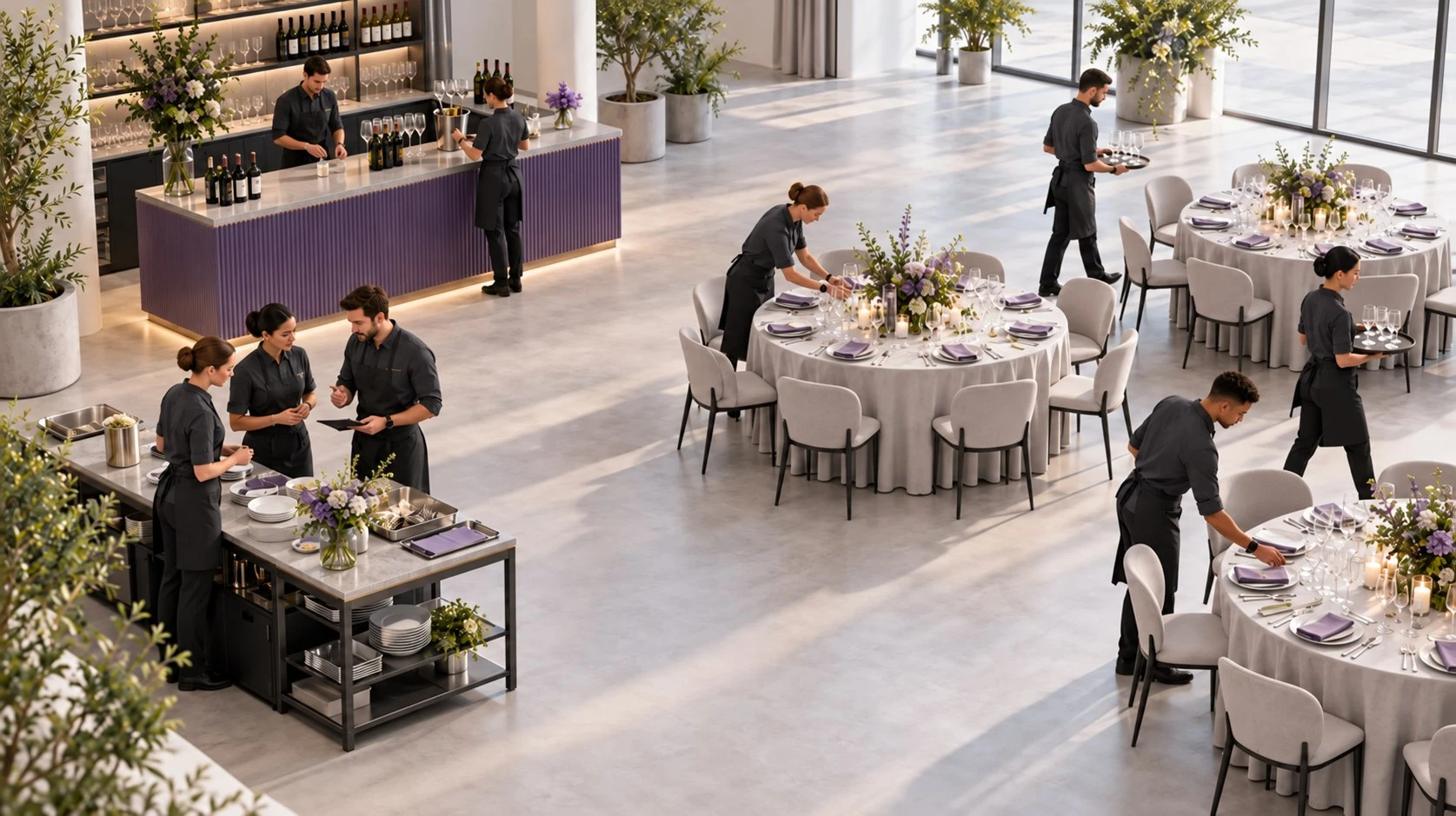
AI-generated overhead scene of a catering crew preparing a reception

Task completion

Sample event
12/15tasks complete80%
12 / 15
2 in progress1 needs attention
  • Bar ready3 / 3Complete
  • Crew briefed2 / 2Complete
  • Table setup4 / 5In progress
  • Glassware2 / 3In progress
  • Service prep1 / 2Needs attention

AI-generated scene · Demo data

Set up the cocktail area

Sample event
  1. Assigned
  2. Acknowledged
  3. Started
  4. Completed

Choose how KEWW
works for your business.

Start with staffing, team software, or both. Add catering tools when your business needs them.

Contingent staffing.

Request hospitality workers for an upcoming event, a busy season, or gaps in your roster.

Discuss staffing needs ↗

Software for your team.

Use KEWW with your existing staff to coordinate shifts, assign work, and follow event-day progress.

Explore team software ↗

Catering with Kasheww.

Keep catering, rentals, service details and event orders in the same planning process.

Explore Kasheww ↗
Kasheww

Keep the catering together.

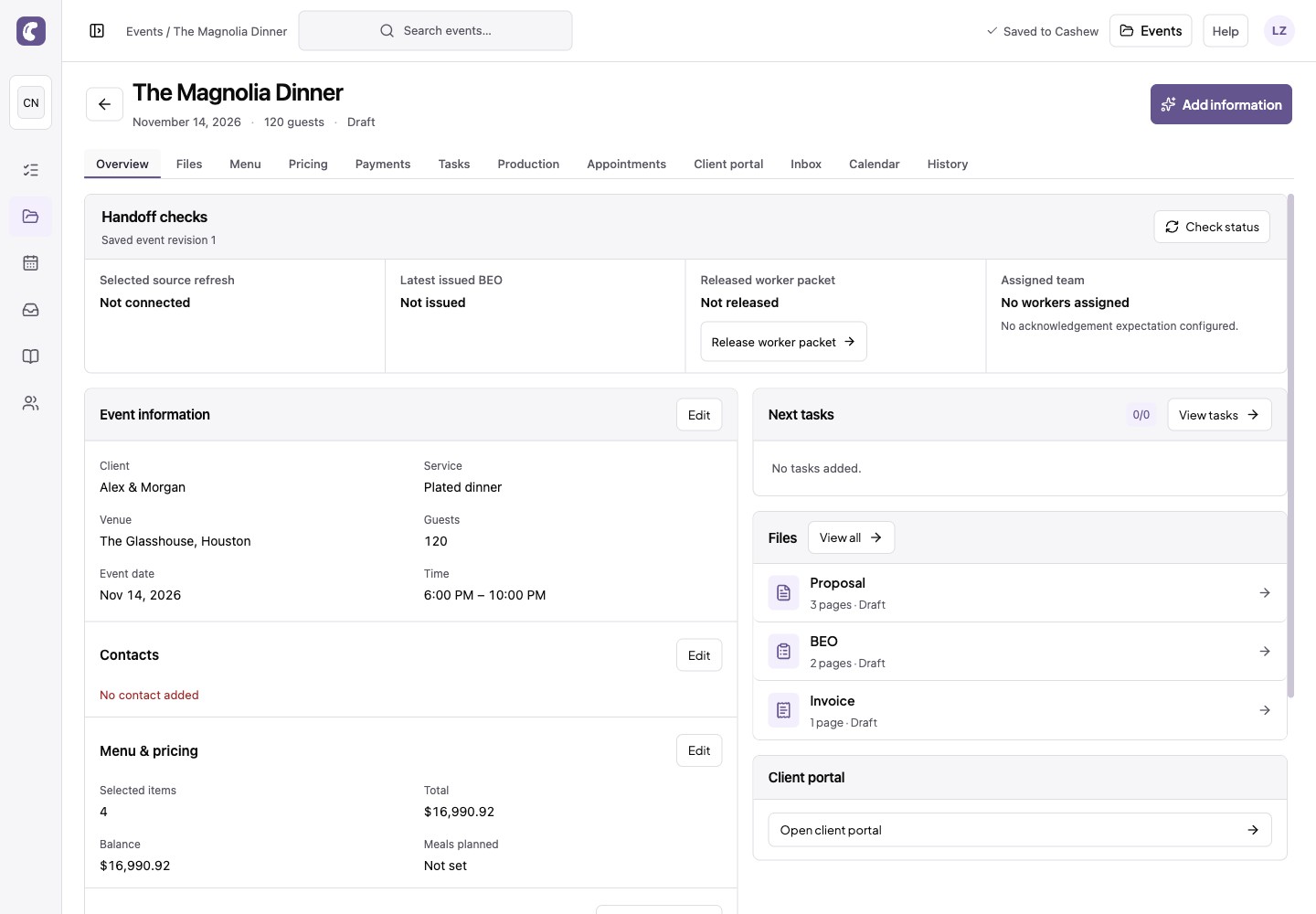
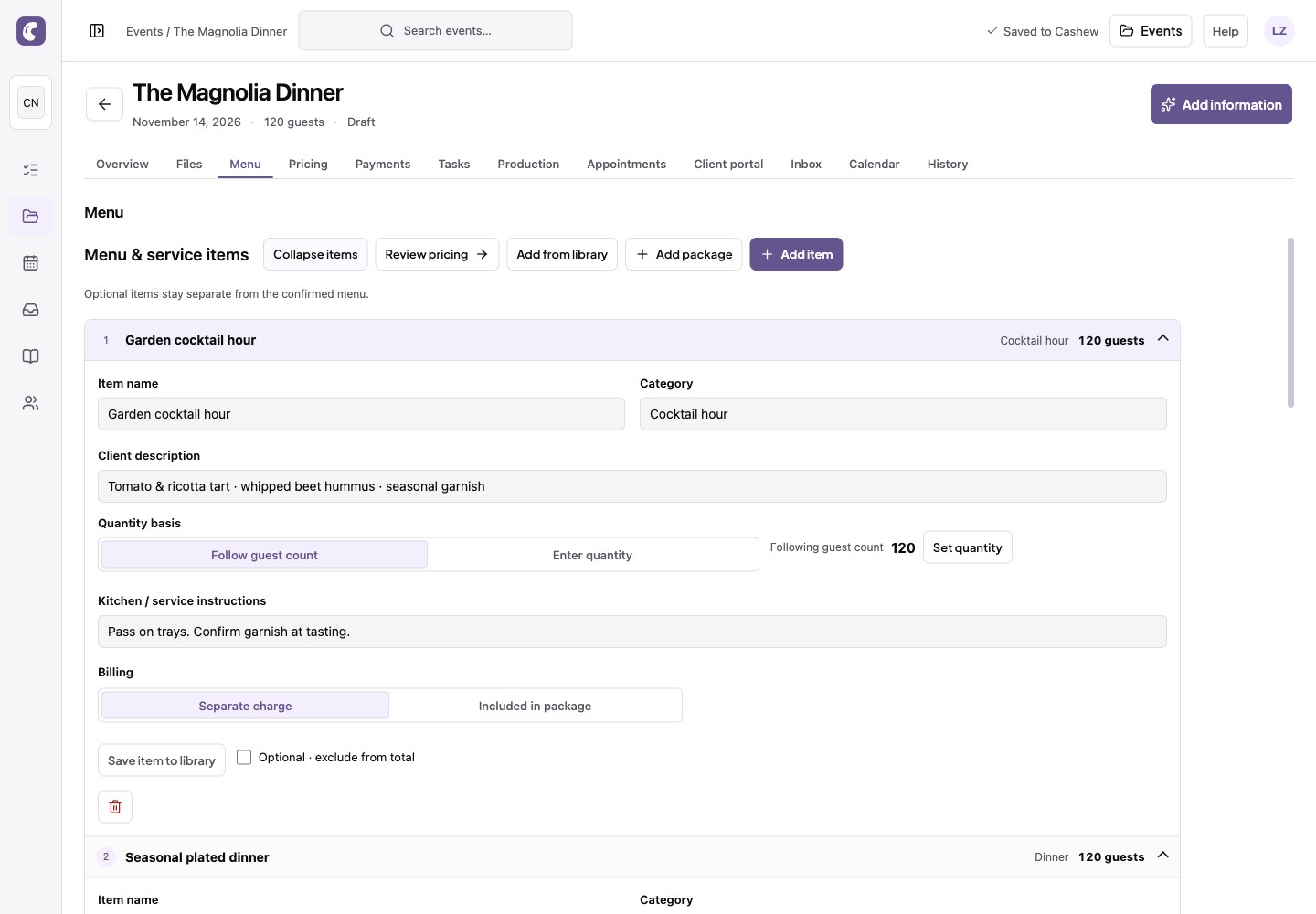
Kasheww adds catering tools to KEWW. Keep the guest count, menu, proposal and banquet event order with the same event.
  • Menus
  • Proposals
  • Event orders
Explore Kasheww
Actual Kasheww event workspace with a fictional Magnolia Dinner event
MenuActual Kasheww menu editor for the Magnolia Dinner demo event
See the workspace

Need extra hands?

Tell us the roles, dates and location you need.

Find workers

A few questions.

How do staffing, team software and add-ons fit together?

Request contingent staff, use workforce software with your own team, or add industry tools such as Kasheww for catering.

Can we use our own crew?

KEWW supports planning around your own team, with the option to request additional hospitality workers when you need coverage. A demo can help you identify the right setup.

How do we get started with watches?

Request a demo to review the task workflow, device compatibility and rollout for your team.

How does the event-day tablet help managers?

The event view brings task status, worker assignments and issues together. Request a demo to see the workflow.

How do we get started?

Request a demo to discuss your catering or event workflow.

Let's talk about your next event.

Bring your staffing or team workflow to the conversation.

Request a demo
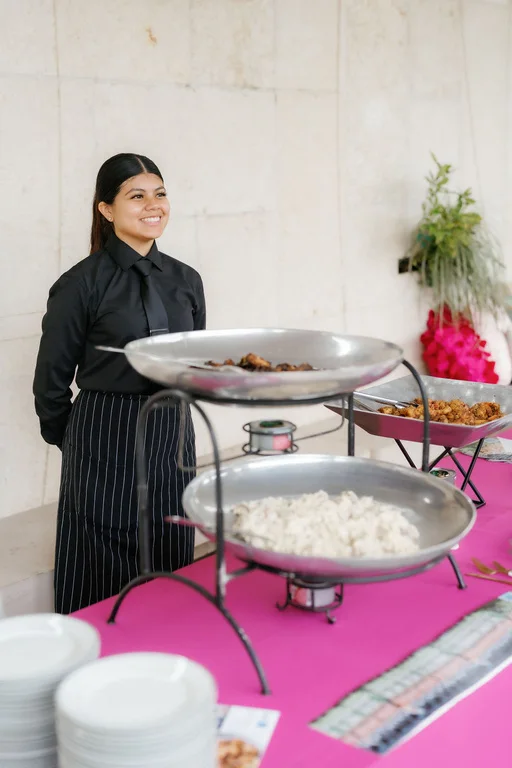
Catering staff member at a buffet station